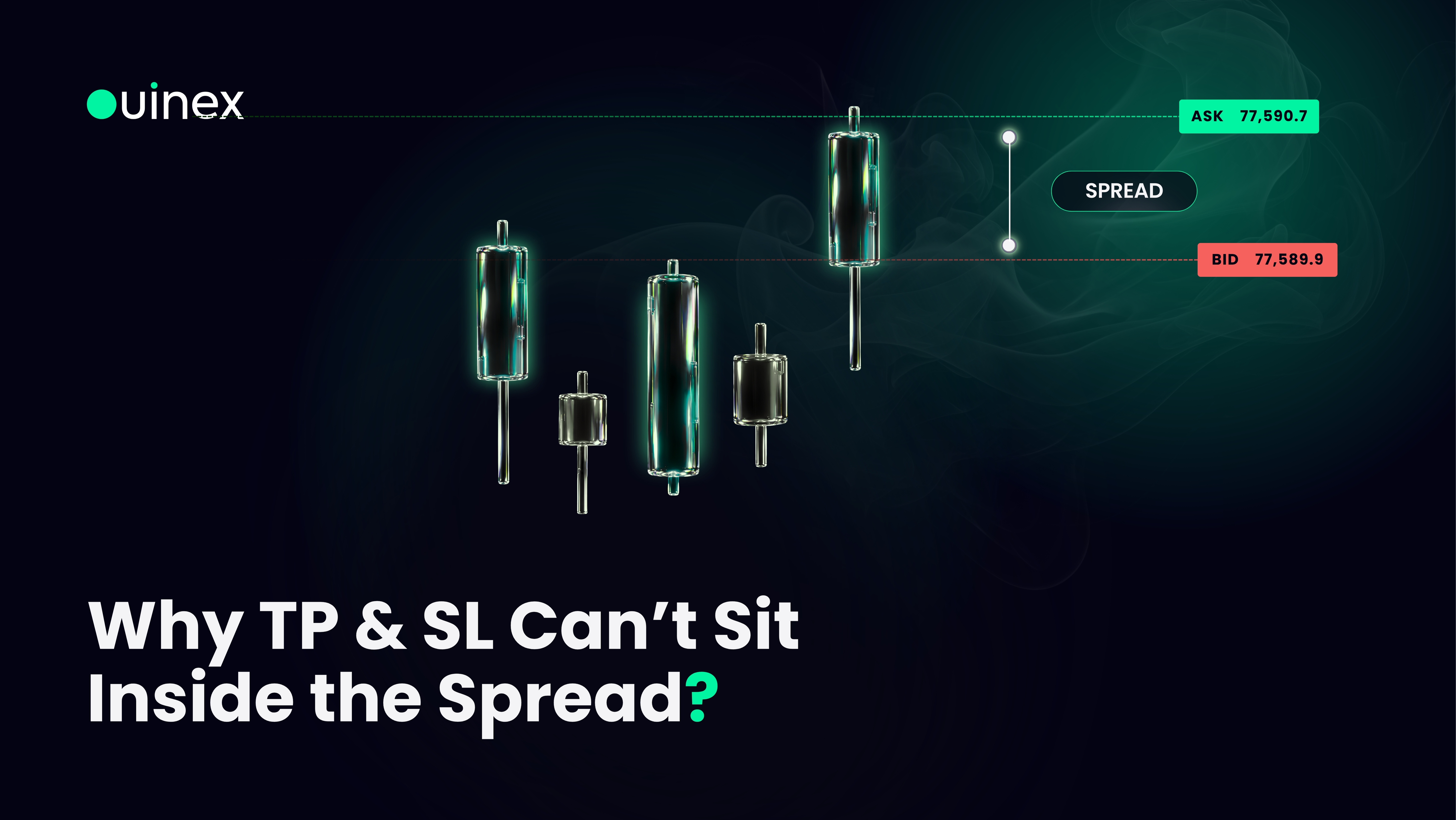
If you drag a take profit or stop loss slider close to the current price and the confirm button stops working, nothing is broken. From 4.35, Ouinex disables submission when a TP or SL level sits inside the bid-ask spread, and shows you why.
Read More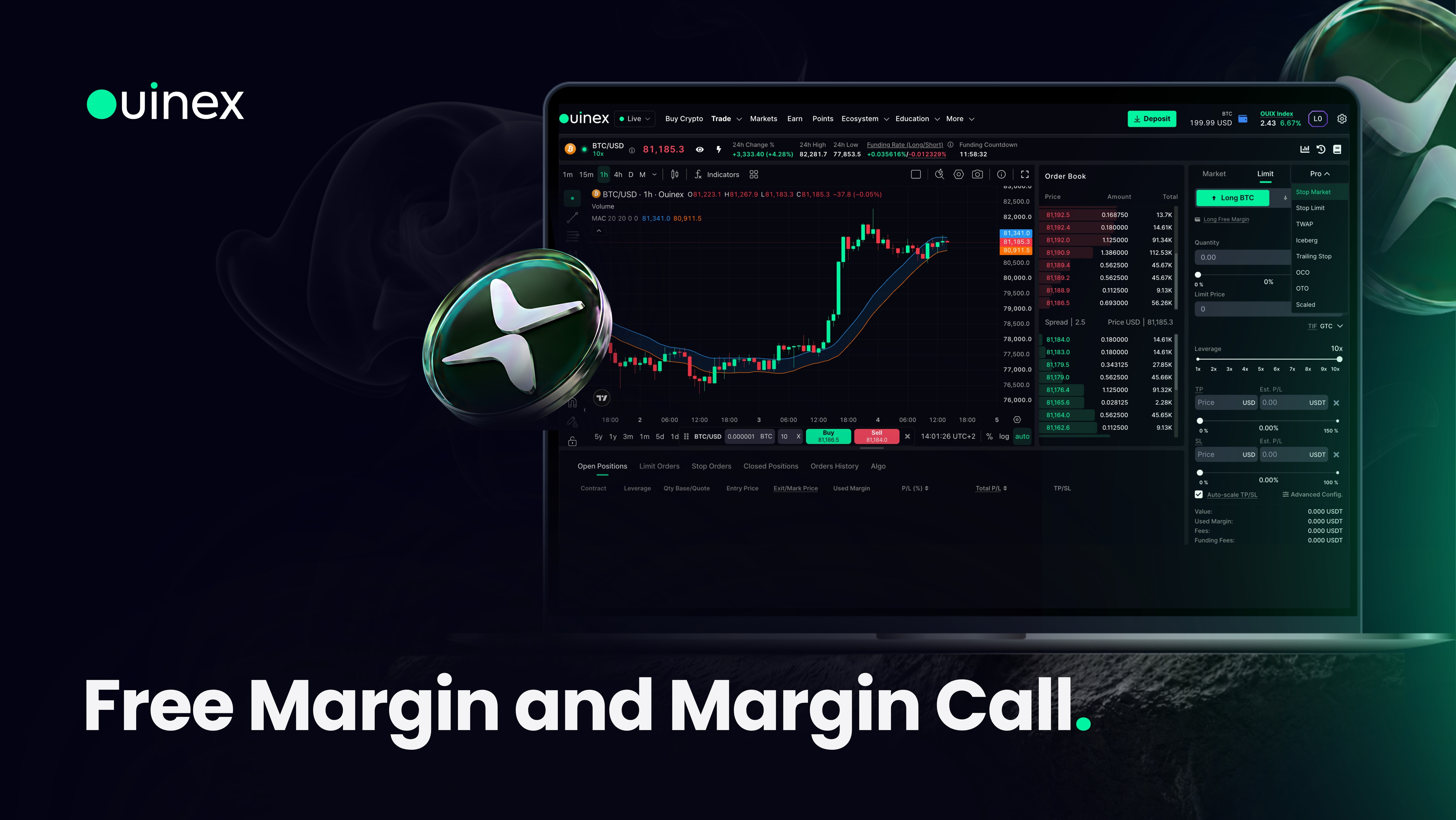
Two things about margin behave differently on Ouinex from 4.35, and both are the kind of change that generates support tickets if nobody explains them.
Read More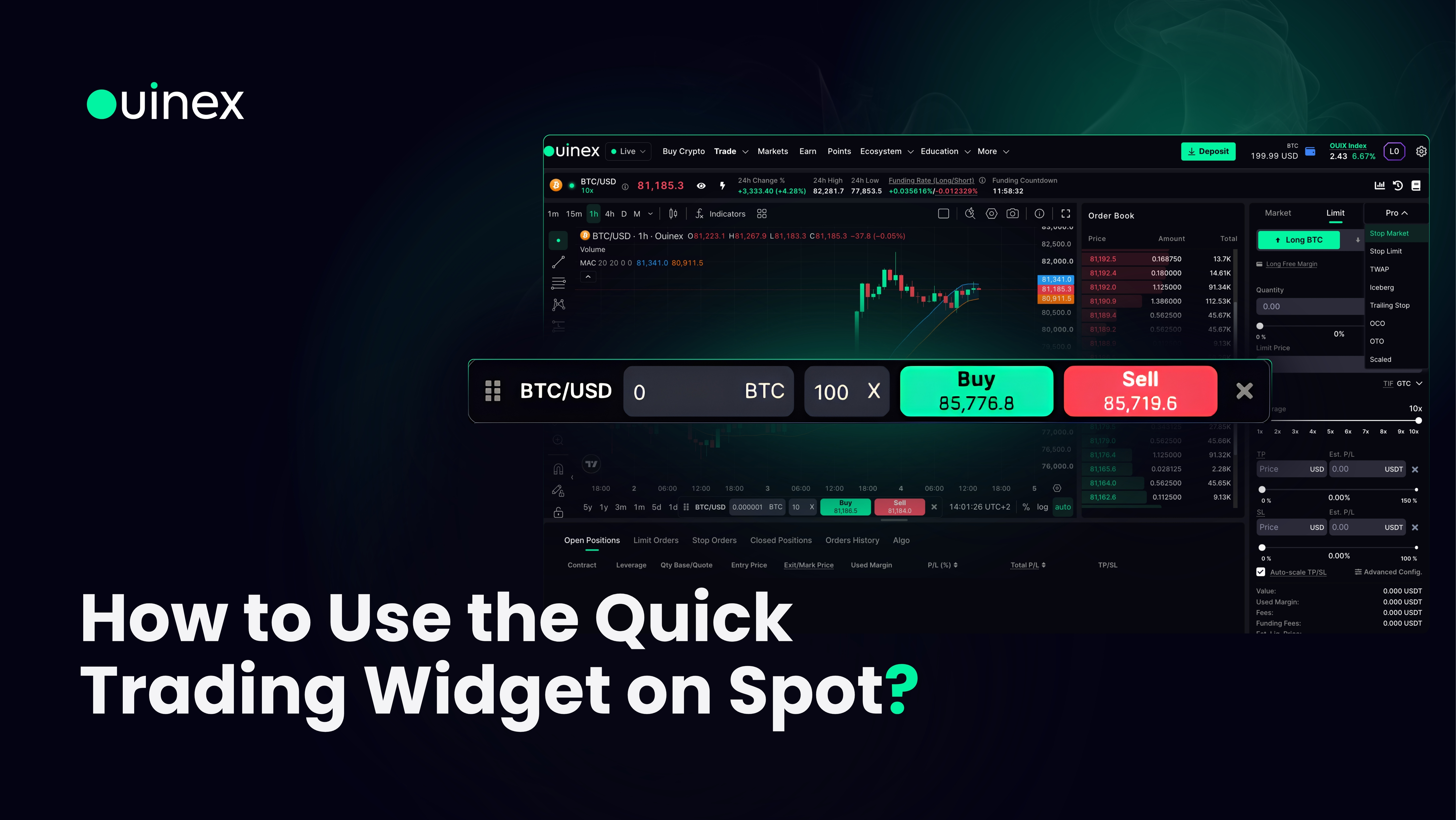
The Quick Trading widget lets you buy and sell without leaving the chart, including in full-screen mode. It has been on Derivatives for a while. From 4.35 it is on Spot as well.
Read More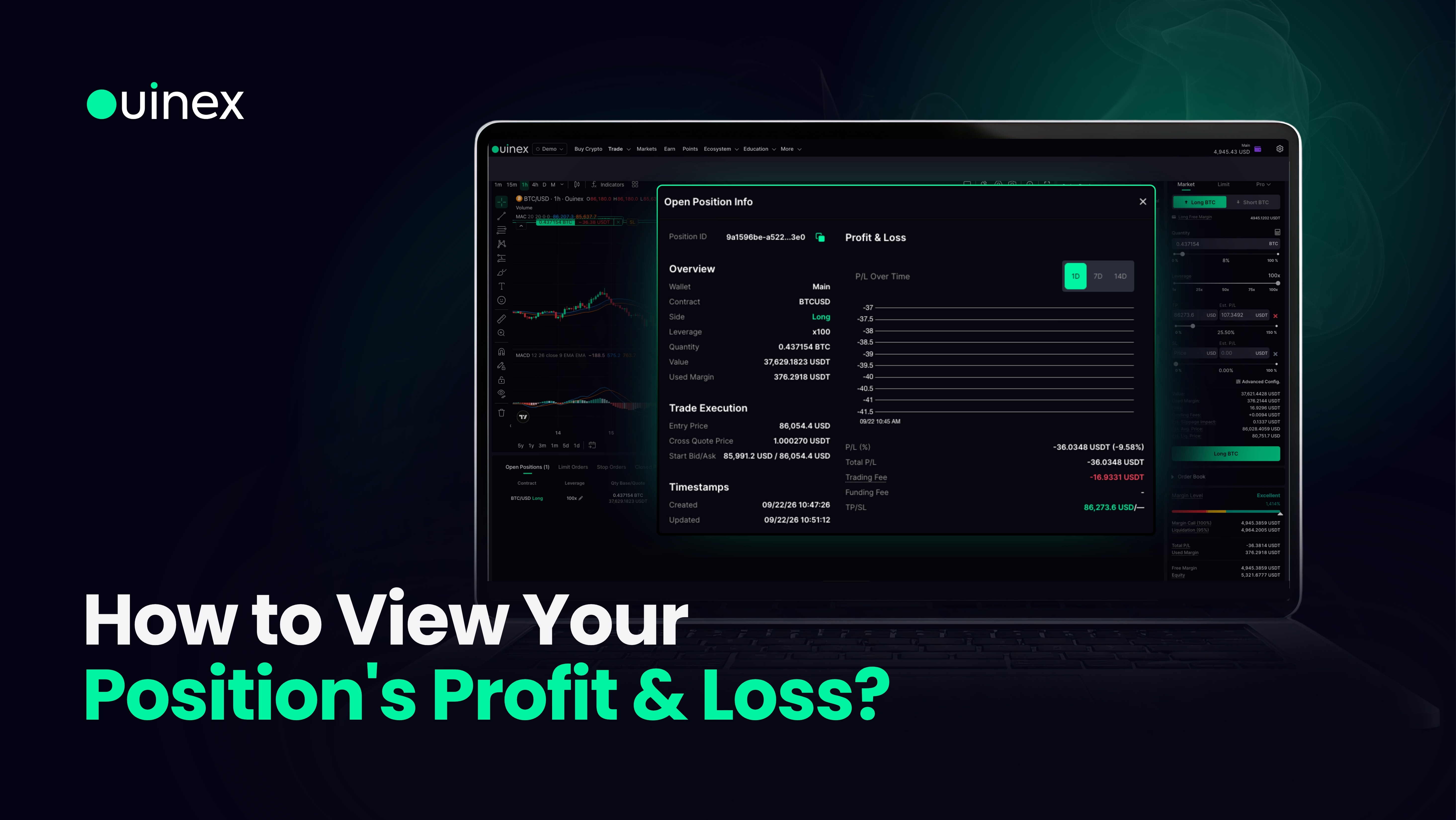
Open Positions has always shown you where a trade stands. From 4.35 it can also show you how it got there.
Read More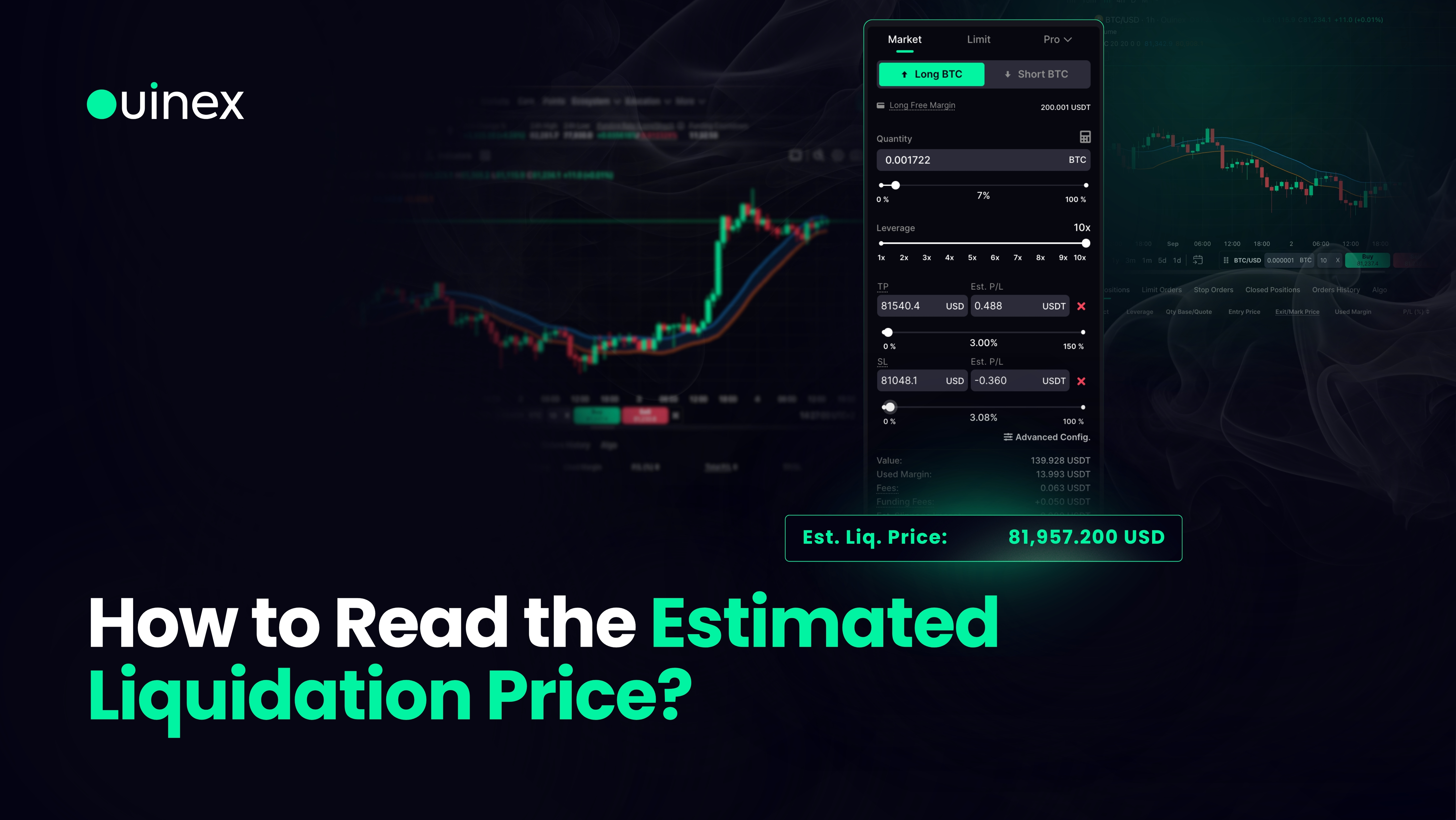
Ouinex now shows you the estimated price at which a position would be liquidated before you place the order. It sits on the Est. Liq. Price line in the order summary at the bottom of the trade form, directly above the confirm button, and it updates in real time as you change your quantity or your leverage.
Read More
A scaled order places several limit orders across a price range instead of one order at a single price. You set the top of the range, the bottom, how many orders to spread between them, and the total size. Ouinex divides the size across the orders and shows you the resulting average entry before you commit.
Read More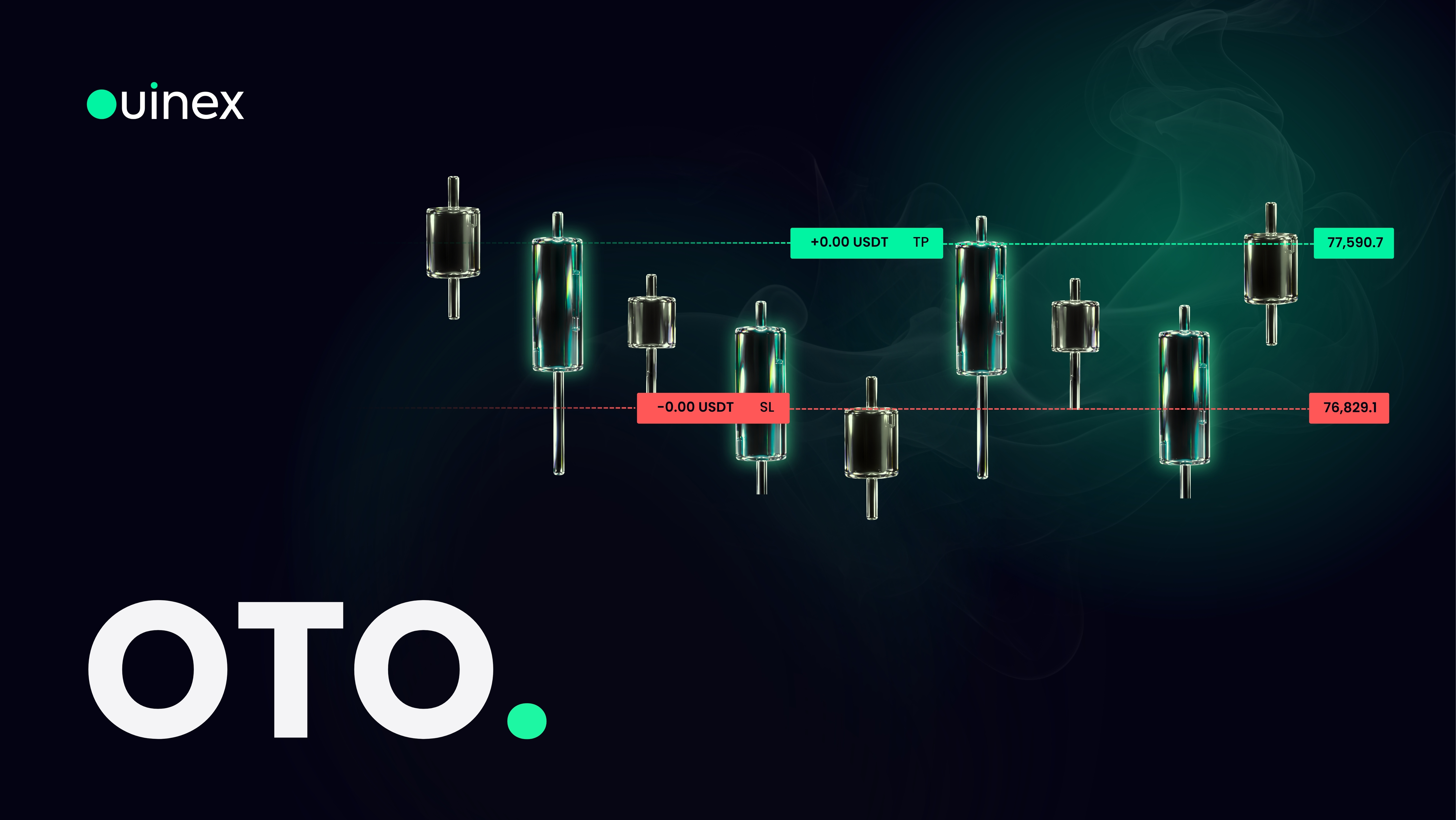
An OTO order lets you plan an entire trade in one ticket. You set the order that gets you into the position, and you set the order that will protect or close it, and the second one is submitted automatically the moment the first one fills. OTO stands for One-Triggers-the-Other, and the gap it closes is the most expensive gap in retail trading: the window between an entry filling and the trader getting round to placing a stop.
Read More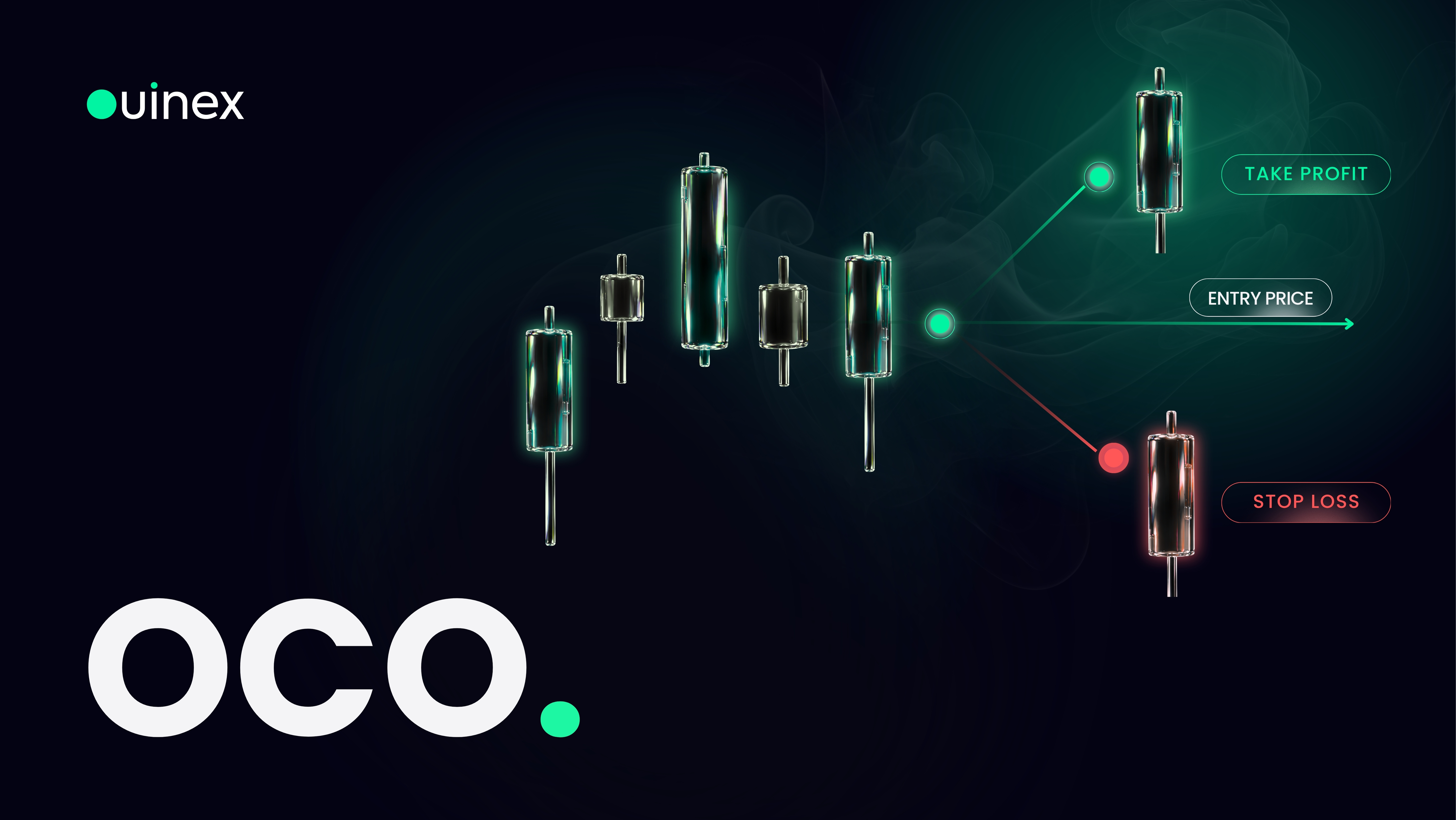
An OCO order is two orders placed as one unit, linked by a single rule: whichever fills first cancels the other. In practice that means a take profit and a stop loss submitted together, so the moment your target is reached your protective order disappears on its own, and the moment your stop is hit your target disappears with it.
Read More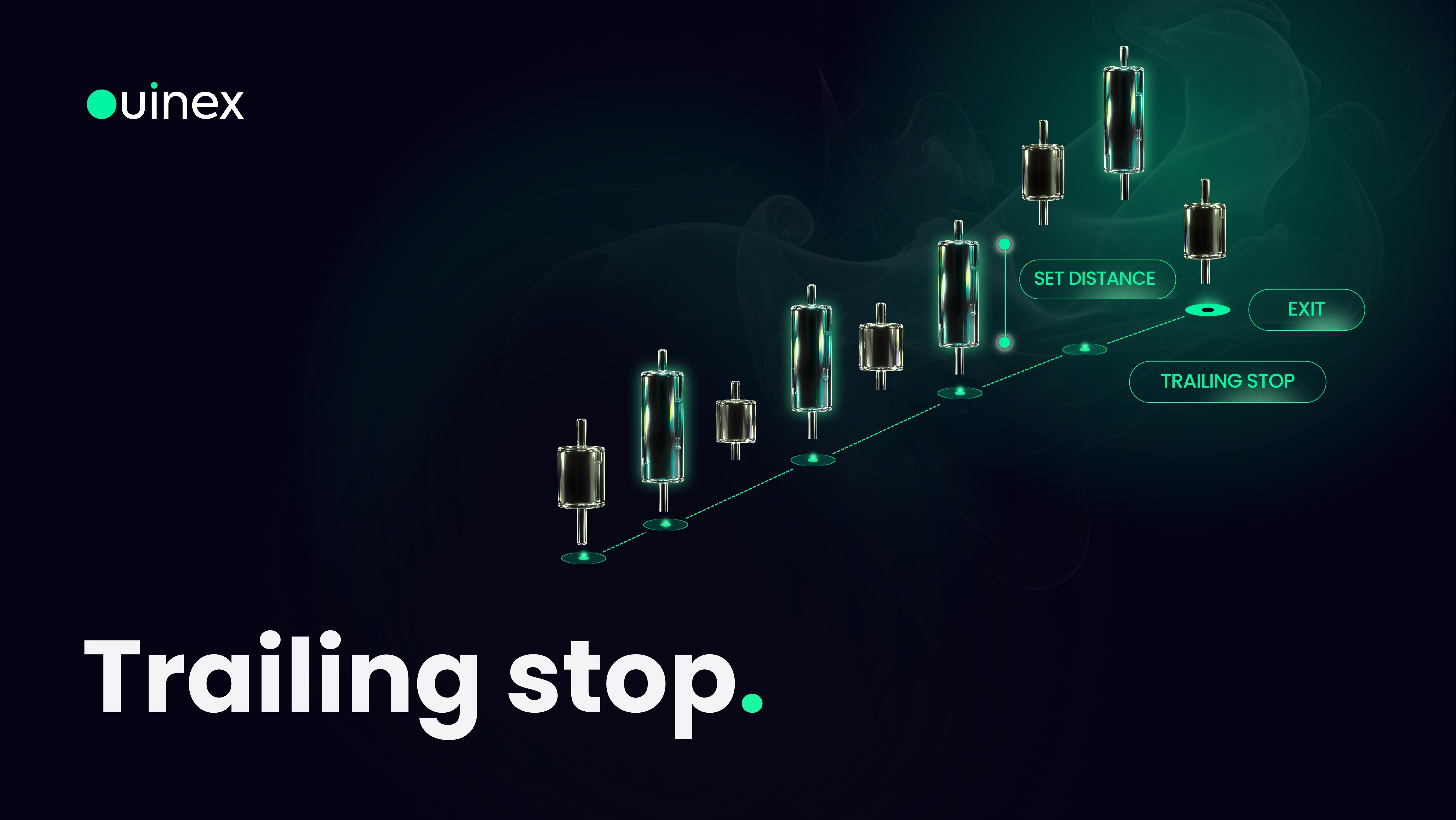
A trailing stop is a stop-loss that follows the market while your trade is working and stays put when it is not. You set a distance, a fixed amount in USD or a percentage, and the stop keeps that distance behind the best price your trade has reached. When price moves in your favour, the stop moves with it. When price turns, the stop does not move back.
Read More
